Electronic data (hereinafter referred to as “Data”) is stored on electronic media and can only be read and written by electronic devices, which means that additional equipment may need to be purchased to meet the need for its storage and processing.
In this paper, all self-created terms that do not have a corresponding term-level definition will be cited using brackets to highlight the term to prevent confusion to the reader (example: [self-created term]). Also, this article uses backquotes to quote terms that have been mentioned above (e.g., terminology). This article is a summary of my reflections on the loss of four and a half months of work data due to stupidity and accidents. The content of this article is only personal
opinion, discusses welcome.
Origin: ISO7010-M011 - Wash your hands Origin symbol: same as origin
This one is related to a habit in our country. In ancient times, when doing sacred things, in order to ensure success and prove their sincerity, people would bathe and put on clean clothes.
Even now, some young people wash their hands and faces before play the paid lottery of the game to ensure that they can get good rewards. Sounds funny, right? In fact, I am also doing it.
Therefore, before doing the sacred debug, you should wash your hands with sincerity to ensure bugs discovery. Try it before the next debug work.
I started writing markdown documents with Notepad++ and awesome plugin MarkdownViewerPlusPlus .
One of my installed plugin give me a markdown language format:“Markdown(default)” in User Defined Languages.
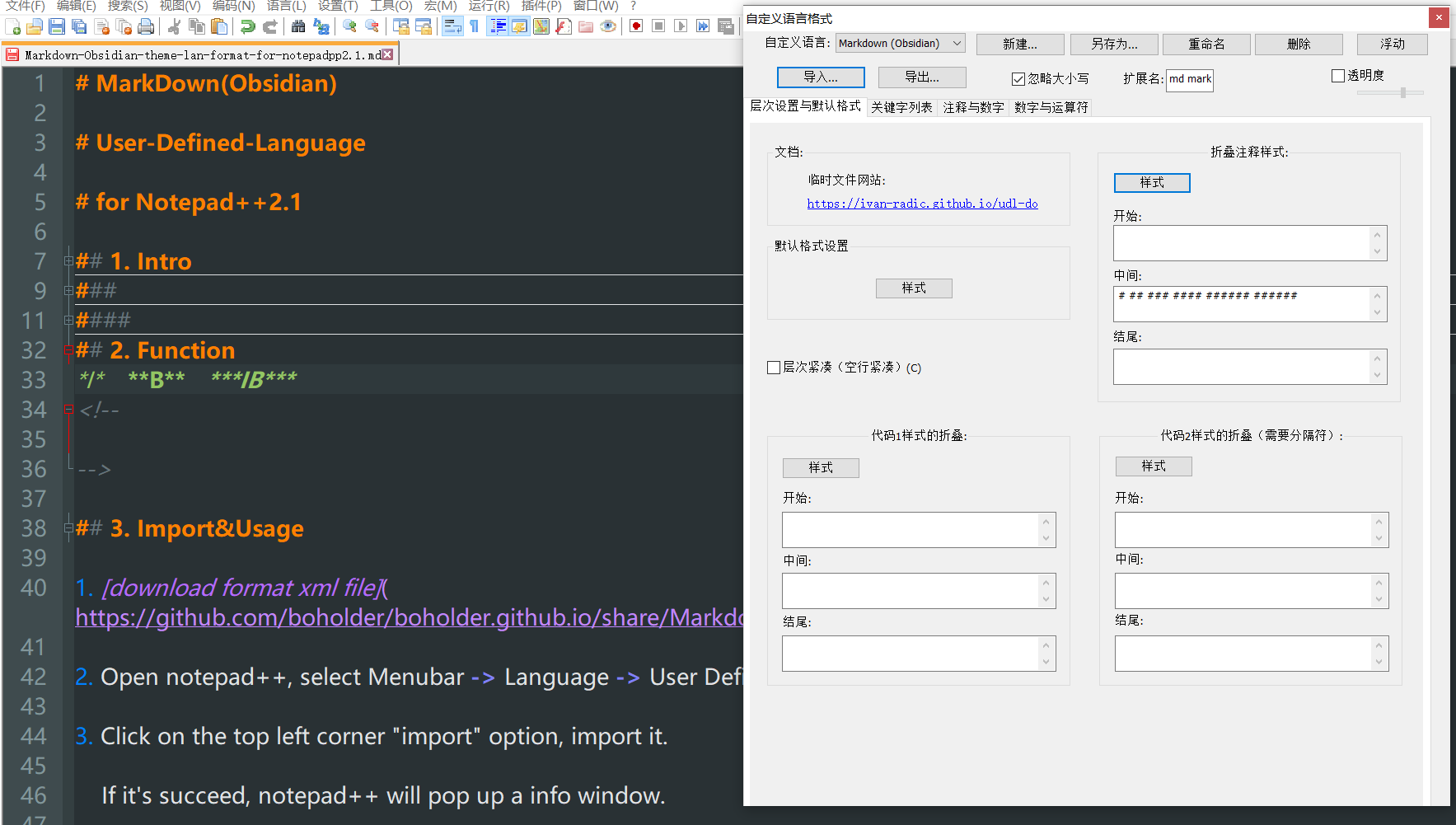
But it’s designed for light backgroud so it’s not suitable for me.So I made a dark view format, based on Obsidian-theme and that default markdown format.